Agent Serve · Playbooks

Your best process, ready for every agent.

Write down how your team does a job once. Agent Serve agents load that playbook in Chat and workflows whenever the work matches.

Agent Serve Playbooks are reusable markdown instructions in Agent Serve, the AI workspace where teams build, deploy, and manage AI agents. Each playbook has a name, a description and up to 50,000 characters of instructions. Agents read the description, load the full playbook when it fits the job, and teams call one directly with a slash in Chat.

How it works

From a written process to a repeatable run.

An Agent Serve playbook is a short description plus the instructions behind it. Agents decide when to open it.

  1. 1

    Write the playbook

    Give it a name, a description of when to use it, and the steps in markdown.

  2. 2

    Or import one

    Import a markdown file with frontmatter, or a zip of up to 5 MB that holds a SKILL.md.

  3. 3

    Attach it to agents

    Pick playbooks in an Agent block, or type a slash and the playbook name in Chat.

  4. 4

    The agent loads it

    The agent sees each description and loads the full instructions only when the job needs them.

In depth

Where playbooks shape the work.

Agent Serve uses one playbook library in Chat and in workflows, so a process is written once and followed everywhere.

01 · Chat

Call a playbook with a slash

In Agent Serve Chat, type a slash and the playbook name, or choose one from the Playbooks button in the message box.

  • The playbook appears as a chip in your message
  • Chat follows its steps and output format
  • Mention playbooks with @ in markdown too
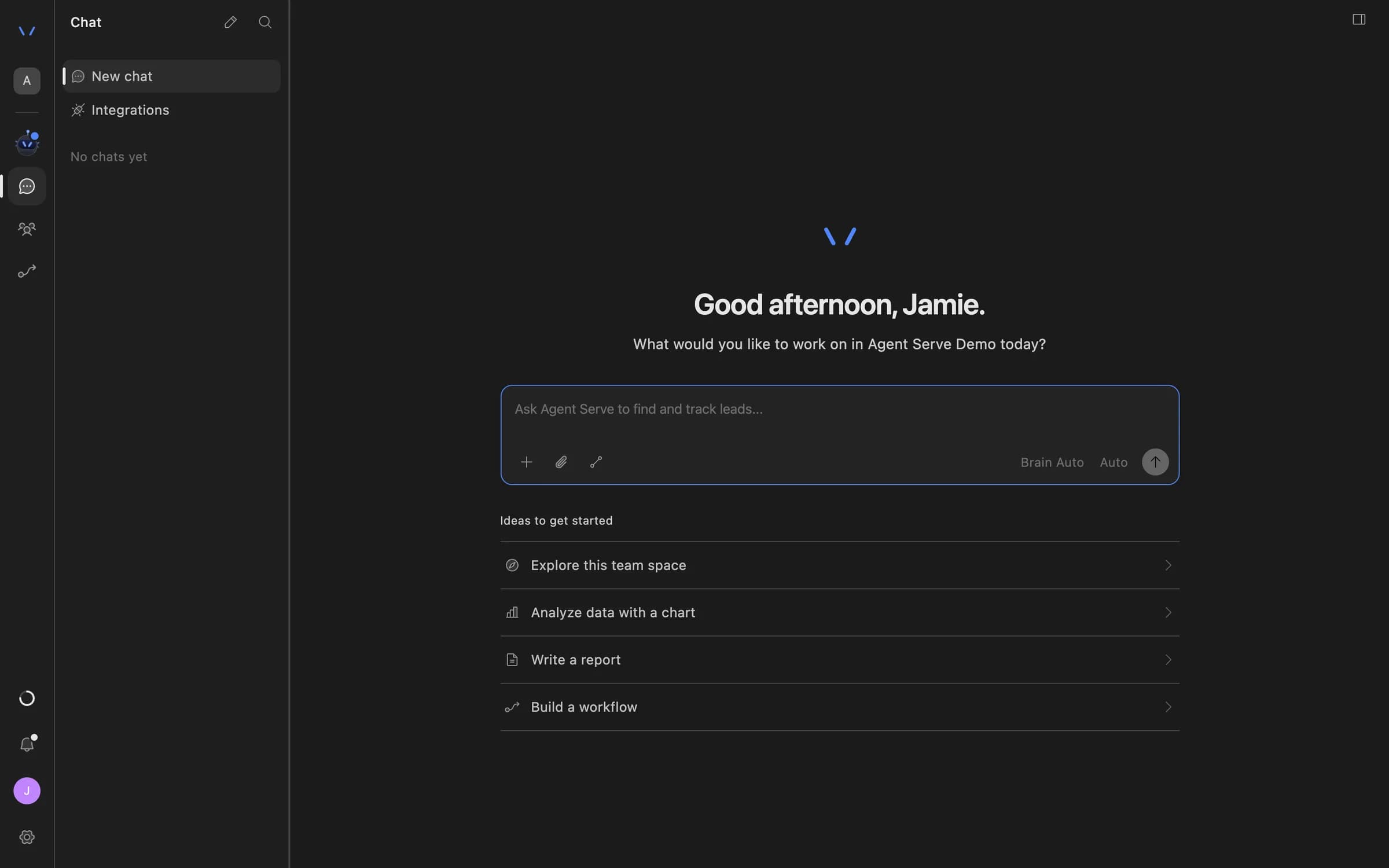
Agent Serve Chat home with a message composer and suggestions to explore the team space, analyze data with a chart, write a report, or build a workflow.
02 · Workflows

Give an Agent block a method

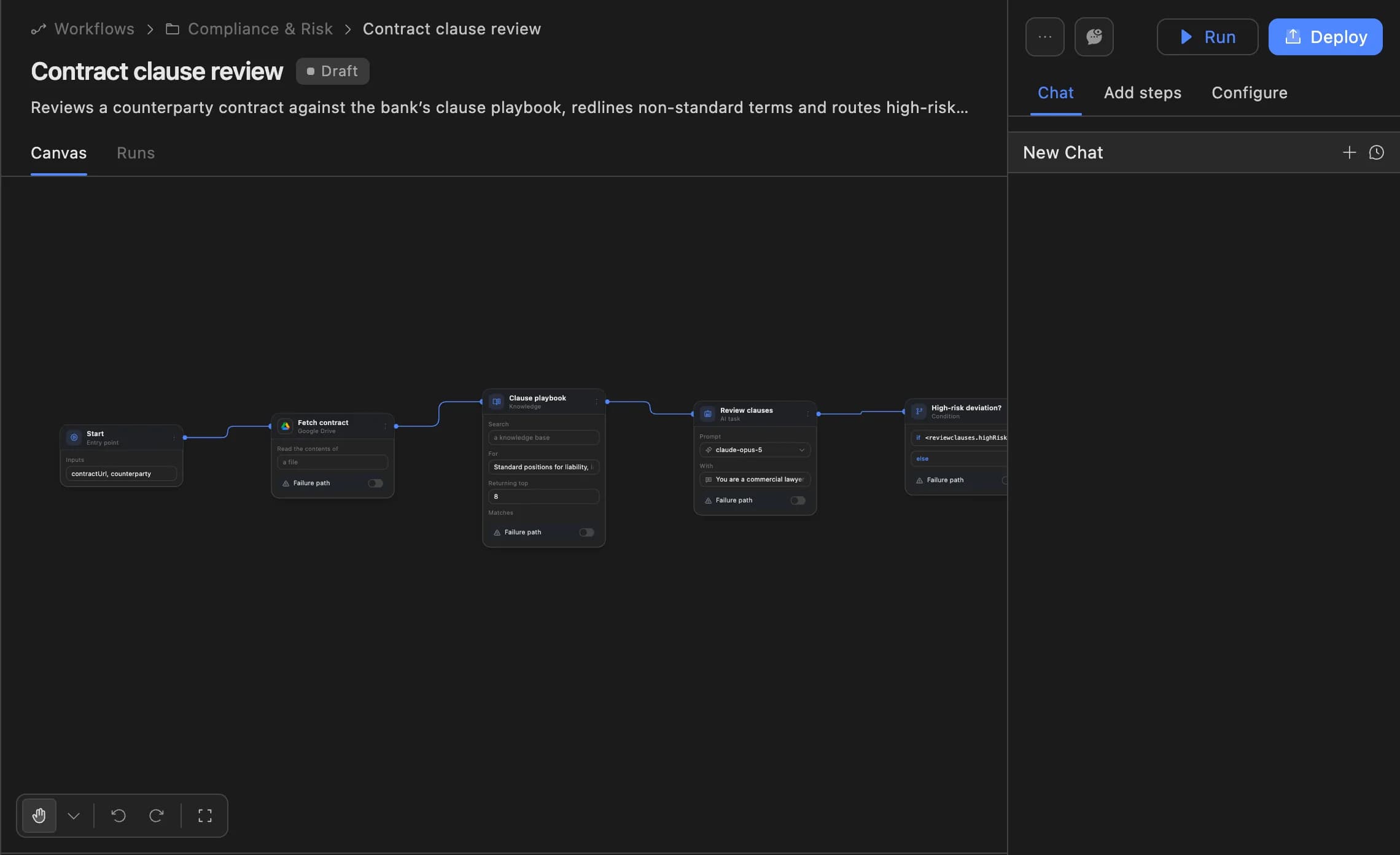
The Skills field on the Agent Serve Agent block attaches playbooks to that agent, or creates a new one without leaving the workflow builder.

  • Attach several playbooks to one agent
  • The agent picks the one that fits each run
  • Edit a playbook once and every agent using it follows the change
The Agent Serve workflow builder showing a contract clause review agent: start, fetch contract, clause playbook, review clauses and a high-risk deviation branch, with Run and Deploy buttons.
03 · Access

Decide who can change a method

Every Agent Serve playbook is shared with its team space. Only its editors and workspace admins can change or delete it.

  • Creating a playbook needs write access
  • The creator becomes its first editor
  • Admins can stop agents from loading playbooks for a group

The library

Built to be found and followed.

Chosen by description

Agent Serve agents read each playbook’s description first, so a clear “use this when” line decides when it runs.

Use when drafting a credit memo for committee

Plain markdown

An Agent Serve playbook is markdown: steps, checklists, tone and the output format the team expects.

## Steps · ## Checks · ## Output

Bring your own files

Agent Serve imports a .md file with YAML frontmatter, or a .zip that contains a SKILL.md.

kyc-review.zip → SKILL.md

Built-in playbooks

Agent Serve ships four built-in playbooks: connect an integration, research, create a table and deploy a workflow.

research · create-table

Named editors

Add editors to an Agent Serve playbook from its Editors card. Everyone else in the team space can use it.

Editors · priya@ · sam@

Loaded on demand

Agent Serve loads a playbook’s full instructions only when an agent asks for them, keeping each prompt short.

Description first, content when needed

Examples

Processes banks and insurers write down once.

Three playbooks financial services teams keep in Agent Serve.

Credit risk

Credit memo playbook

An Agent Serve playbook sets the memo’s sections, the ratios to compute and the risks to call out, so every analyst’s draft looks the same.

  1. /credit-memo in Chat
  2. Statements read
  3. Memo drafted
  4. Analyst reviews
Onboarding · KYC

KYC review playbook

An Agent block in an Agent Serve workflow loads the KYC playbook for each new file and records what is missing.

  1. New file
  2. Agent loads playbook
  3. Checks run
  4. Gaps listed
Complaints

Complaint response playbook

An Agent Serve playbook keeps the tone, the required statements and the escalation rules for complaint replies in one place.

  1. Complaint in
  2. Playbook loaded
  3. Reply drafted
  4. Handler approves

Examples show what teams can build in Agent Serve. They describe patterns, not named customer deployments.

Before and after

One method, not one per person.

One method, not one per person.
WorkBeforeWith Agent Serve
How a job is doneBeforeIn the heads of the two people who have done it longest.With Agent ServeWritten as an Agent Serve playbook the whole team space can read and use.
Prompting an AIBeforeEach person pastes a long prompt they keep in a note.With Agent ServeType a slash and the playbook name, or let the agent pick it by description.
Changing the methodBeforeTell everyone, then hope each copy of the prompt gets updated.With Agent ServeAn editor updates the playbook once, and every agent using it follows.

By the numbers

Agent Serve Playbooks in figures.

Characters of instructions per playbook

50,000

Characters of instructions per playbook

Characters for the description agents read

1,024

Characters for the description agents read

Built-in playbooks

4

Built-in playbooks

Largest zip you can import

5 MB

Largest zip you can import

Limits are read from the product code.

Under the hood

Agent Serve Playbooks, in detail.

Agent Serve Playbooks, in detail.
FieldsName (lowercase words joined by hyphens, up to 64 characters), description and markdown content.
Where it livesThe Playbooks tab beside Integrations.
ScopeShared with the whole team space. Names are unique per space.
Use in ChatSlash command, the Playbooks button, or picked by the agent from its description.
Use in workflowsThe Skills field on the Agent block.
ImportA .md file with YAML frontmatter, or a .zip up to 5 MB with a SKILL.md.
Who can editNamed editors and workspace admins. Creating one needs write access.
APICreate, read, update and delete through the Agent Serve API.

Governance

Control the method, not only the model.

Agent Serve treats playbooks as shared team assets, with editors, admin override and a switch to turn them off.

Security and governance
  • Editors, not everyone

    Anyone in an Agent Serve team space can use a playbook. Only its editors and admins can change it.

  • A switch per group

    Agent Serve access policies can block agents from loading playbooks for a permission group.

  • Roles and permission groups

    Admin, write and read roles per workspace, plus permission groups that limit which models, blocks and integrations a team can use.

  • Run logs

    Every workflow run records each block’s inputs, outputs and errors, so a reviewer can trace how a result was reached.

  • SSO and SCIM

    Sign in through your identity provider with SAML 2.0 or OIDC, and provision people with SCIM.

Works with

One method across every surface.

Questions

About Playbooks

What is an Agent Serve playbook?

An Agent Serve playbook is a named set of markdown instructions with a description of when to use it. Agents in Chat and workflows load it when a job matches.

How is a playbook different from a workflow?

An Agent Serve playbook tells an agent how to do a job. A workflow wires the steps, triggers and actions together in the visual builder. An Agent block in a workflow can use playbooks.

Can I import playbooks we already have?

Yes. Agent Serve imports a markdown file with YAML frontmatter, or a zip of up to 5 MB that contains a SKILL.md file.

Do playbooks keep a version history?

Not today. Agent Serve keeps the current version of each playbook and when it was last updated.

Last updated

Enterprise access

Put AI agents to work across your team

Agent Serve is available to teams by invitation. Tell us what you want to build and we will set up your workspace with you.